
If you receive a new callsign, ExamTools updates automatically. You do not need to create a new account.
Steps
After the FCC grants your new callsign, notify your team lead(s) and all VECs with which you are accredited.
ExamTools syncs with the FCC and your VECs automatically. You do not need to contact ExamTools staff.
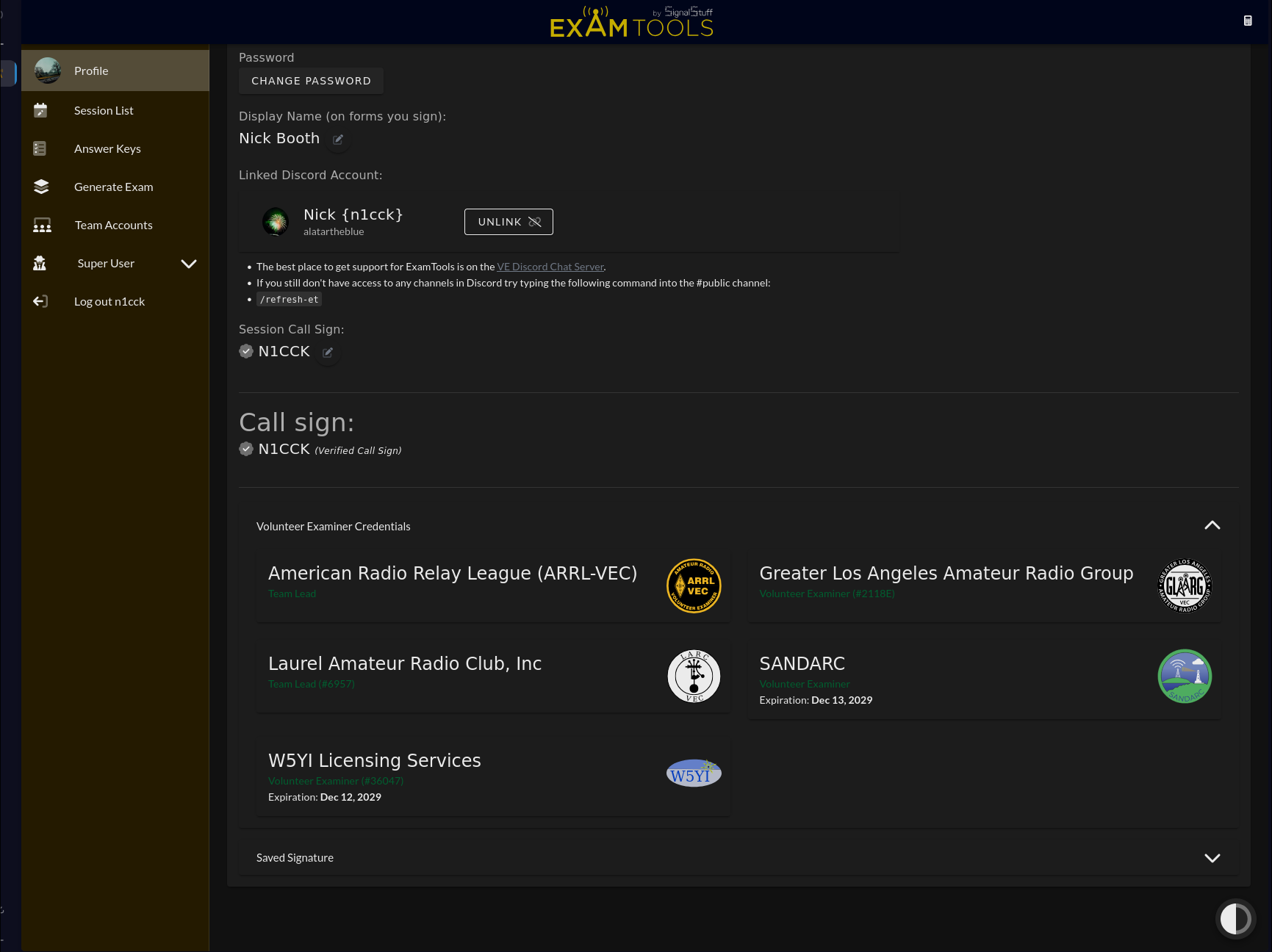
Confirm your callsign has updated in your profile on both your production and sandbox accounts (if you have one).
What to expect during the transition
Your account may behave inconsistently for a few days while the callsign transitions:
- It may continue to work briefly under your old callsign.
- It may stop working while your old accreditation is removed.
- It will resume working once your new callsign accreditation is added.
Do not use your account or sign paperwork while it is still showing your old callsign. Wait until the transition is complete.
The delay is often on the VEC side. Expect the process to take a few days to a week.
Additional notes
- Do not create a new account. Multiple accounts cause problems and delays.
- If a team lead clones a past session, your old callsign may reappear. Have them delete you from that session and add you back under your new callsign.
- You may not be able to participate in exam sessions until the account update is complete. Check with your team lead.
- All your accreditations will appear under Volunteer Examiner Credentials in your profile once updated.